AI Research Workspace + PowerPoint Generator

Turn Any PDF, URL, Word Document or Text Into a Professional PowerPoint

PD2PPT researches, summarizes, analyzes and transforms your content into presentation-ready slides with speaker notes, charts, timelines, and editable PowerPoint output.

  • No design experience required
  • Editable PowerPoint (.pptx)
  • AI Research Workspace
  • Ready in under a minute
Live preview

What you'll receive

Executive SummaryBuilding…
AI Insights
12 Editable Slides
Speaker Notes
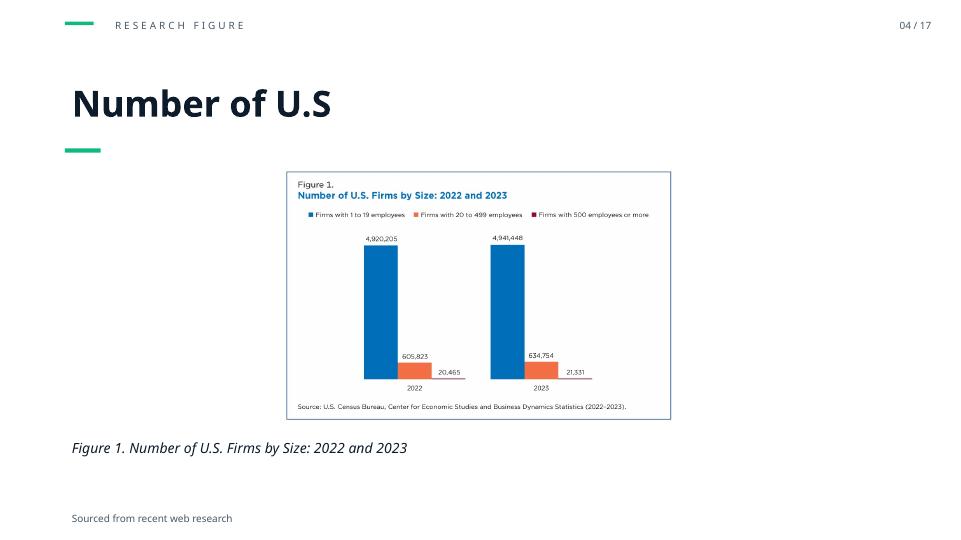
Native Charts
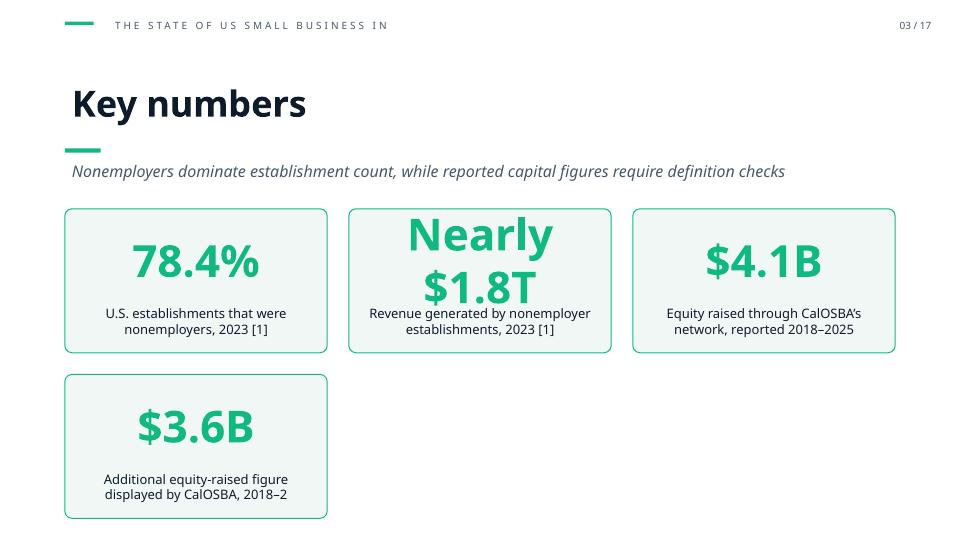
KPI Dashboard
Timeline
AI Quality Check
Professional PowerPoint (.pptx)

Estimated generation time: 45–60 seconds

PDF
AI Research
Executive Summary
Presentation Outline
Professional PowerPoint
Get started

Drop your source. We handle the rest.

Drag & drop a file, or click to upload

We'll take you to the builder

PDFDOCXURLPaste Text
What you get

More than slides — a full research deliverable

Every generation ships with these six artifacts, ready to review, edit and share.

Executive Summary

A concise, presentation-ready overview of your source.

AI Insights

Key findings, opportunities, risks and recommendations.

Key Facts

Names, dates, statistics and important quotes — extracted.

Presentation Outline

Editable slide-by-slide structure before generation.

Speaker Notes

Auto-generated presenter notes attached to each slide.

Professional PowerPoint

Fully editable .pptx with charts, layouts and themes.

See the transformation

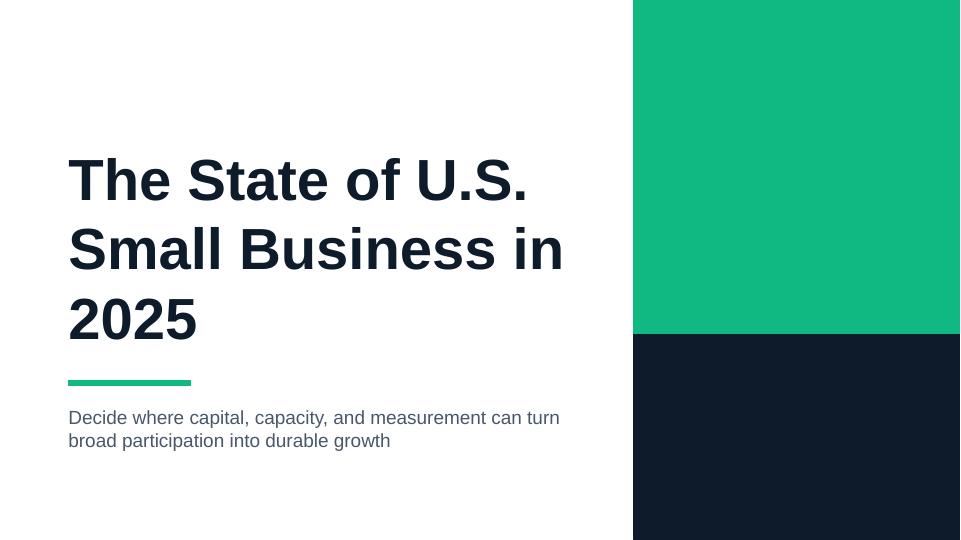
From 40 pages → to a deck your team will actually read

OriginalPDF · 40 pages
  • • 40-page PDF
  • • Research paper
  • • Long article
GeneratedPPTX · Editable
Cover
Summary
Timeline
Chart
KPI
Process
  • Executive Summary
  • AI Insights
  • Outline
  • Charts
  • Timeline
  • KPI Dashboard
  • Speaker Notes
  • AI Quality Check
  • Editable PowerPoint
How it works

Five steps. About a minute.

1

Upload

PDF, DOCX, URL or text — drop it in.

2

AI Research

Summary, insights, facts, glossary.

3

Review & Edit

Tune the outline before generation.

4

Generate

Layouts, charts, and speaker notes.

5

Download .pptx

Fully editable PowerPoint.

AI Research Workspace

A full research deliverable — not just slides

Every source you upload becomes a workspace with nine editable research sections. Send the finished outline straight to the PowerPoint builder in one click.

  • Every section is fully editable
  • Autosaved to your project history
  • One-click handoff to PPT builder
Open the Research Workspace
research / project-mahogany.pdf
Executive Summary
Key Facts
AI Insights
Timeline
FAQ
Discussion Questions
Glossary
Counterarguments
Source Traceability
Presentation modes

Eight templates. One perfect fit.

Pick a mode and the AI reshapes the outline, layouts, and tone to match.

Executive Briefing

Optimized for concise decisions and clear takeaways.

Investor Pitch

Problem, solution, traction, ask — narrative-first.

Sales Presentation

Pain, value, proof, close — customer-outcome framing.

Training

Objectives, concepts, examples, check-for-understanding.

Medical Conference

Case, methods, results, discussion, limitations.

Classroom Lesson

Hook, objectives, activities, closure — teacher-ready.

Research Paper

Background, methods, findings, discussion, references.

Project Update

Progress, blockers, next steps, owners and dates.

Smart visuals

PowerPoint objects, not screenshots

Every chart, table and diagram is a native PowerPoint object — fully editable after download.

Native Charts

Bar, line, pie — editable in PowerPoint.

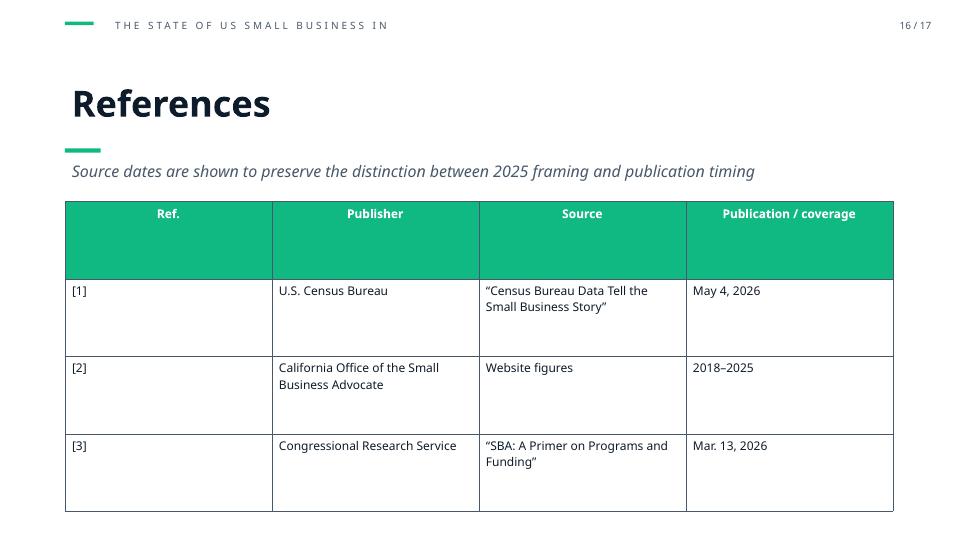
Tables

Structured data with headers and totals.

KPI Cards

Metrics with deltas and labels.

Timelines

Milestones, phases, and dates.

Comparison

Side-by-side options with pros/cons.

Process Diagrams

Numbered steps and swim lanes.

Smart Diagrams

SWOT, matrix, funnel, venn.

AI Illustrations

On-brand imagery per slide (Premium).

Example presentation

Ten slides. One story.

The quality of a typical deck generated in under a minute.

1
Cover
2
Agenda
3
Executive Summary
4
Timeline
5
Chart
6
Comparison
7
Process
8
KPI Dashboard
9
Quote
10
Closing
Why choose pd2ppt

The complete workflow, in one tool

FeaturePD2PPTGeneric AI ChatBasic PPT Generator
AI Research
Executive SummaryPartial
Editable OutlinePartial
Speaker NotesPartial
Native ChartsPartial
KPI Dashboards
Professional ThemesPartial
Source Traceability
Project History
Editable PowerPoint
Premium Layouts
Presentation TemplatesPartial
Who it's for

Built for anyone who ships slides

Business Professionals
Students
Teachers
Consultants
Researchers
Medical Professionals
Sales Teams
Project Managers
Use cases

Nine ways teams use PD2PPT

Executive ReportsBoard MeetingsResearch PapersTraining CoursesMedical PresentationsInvestor DecksWebinarsSales PresentationsUniversity Lectures
Testimonials

Loved by people who present for a living

"Turned a 60-page industry report into a board-ready deck before my morning coffee."

AC
Alex Chen
Consultant, Boutique Strategy

"Grand rounds prep used to take a full evening. Now it's 15 minutes and I edit from there."

DP
Dr. Priya S.
Chief Resident, Internal Medicine

"The Research Workspace is the real unlock — insights, glossary, counterarguments all in one."

JM
Jordan Miles
PhD Candidate, Neuroscience
Pricing

Simple plans that scale with you

Single conversion
$7$5one-time
  • Full PDF → PPTX
  • No watermark
  • All slides
  • Figures included
  • AI summary slides (up to 4)
  • +$3 for Gemini 3 Pro AI images
Buy one conversion
Most popular
Pro · Yearly
$90/yr
  • Unlimited conversions
  • No watermark
  • All slides
  • Figures included
  • AI summary slides (up to 4)
  • Gemini 3 Pro AI images included
  • Cancel anytime
Start yearly
FAQ

Questions, answered

Ready to turn research into professional presentations?

Generate your first PowerPoint in under a minute.

Generate Your First PowerPoint
No credit card required.